Building a website from scratch can feel overwhelming. Coding every line takes time and technical skill. HTML templates simplify this process. They offer pre-built structures that let you focus on content, not code. Whether you’re a startup founder or a small business owner, html templates save hours of development work.
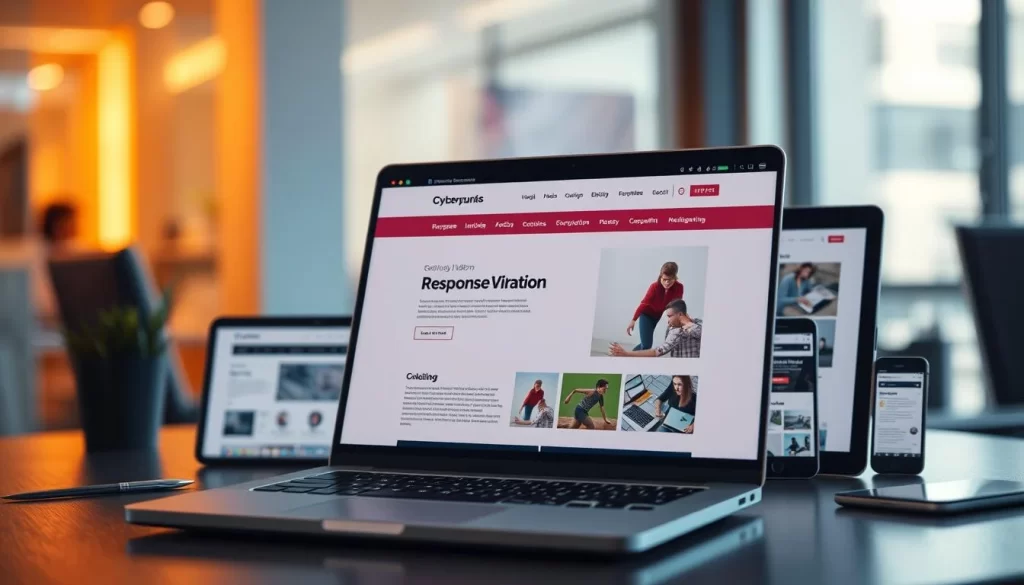
Website templates are designed to be flexible. They come with responsive frameworks that adapt to all devices. This means your site looks great on phones, tablets, and desktops without extra coding. Plus, html templates are cost-effective compared to hiring a developer from scratch.
Key Takeaways
- HTML templates cut development time by providing ready-to-use foundations.
- Website templates ensure mobile-friendly designs out of the box.
- Customization options let you personalize templates without advanced coding.
- High-quality html templates like those at template.templatecodex.com balance affordability and professionalism.
- Responsive frameworks in website templates improve SEO rankings by default.
Modern Web Design and the Role of HTML Templates
HTML website design is at the heart of today’s web aesthetics and functionality. It relies on structured code to create sites that are both responsive and user-friendly. HTML templates serve as foundational blueprints, providing a quick start for developers and beginners to build professional-looking pages.
Defining HTML Templates
HTML templates are pre-built frameworks that simplify website creation. They include pre-written code for layouts, navigation menus, and styling. This saves time by eliminating the need to code every element from scratch. Key features include:
- Pre-designed sections for headers, footers, and grids
- Customizable CSS for color and typography adjustments
- Compatibility with modern browsers and devices
The Evolution of Website Templates
Website templates have evolved from simple static pages to dynamic, responsive systems. Early versions focused on basic layouts, while today’s html website design templates prioritize mobile responsiveness and SEO optimization. Major milestones include:

- Bootstrap integration for rapid prototyping
- AI-driven customization tools
- Pre-optimized code for faster loading speeds
These advancements highlight the benefits of html templates. They balance creativity with efficiency. Exploring options at template.templatecodex.com shows how these tools empower users to build sites without sacrificing quality or innovation.
SEO Strategies for HTML templates, Website templates, HTML website design, Benefits of HTML templates
SEO success hinges on strategic keyword placement. Utilizing ready-made website templates streamlines this effort. Start by identifying keywords specific to your industry. Incorporate main terms in headers, meta descriptions, and URLs. Yet, avoid overusing keywords to maintain natural content.
Keyword Integration Best Practices
- Insert keywords in page titles and H2/H3 headings
- Use alt text for images with descriptive phrases
- Write blog posts around target phrases like “why use html templates for your website”
Optimizing Your Template-Based Design
Speed is critical. Opt for html templates with light files and enable caching. Use CDNs to further enhance performance. Test mobile responsiveness with Google’s Mobile-Friendly Test. Optimal code structures in HTML templates also boost rankings by reducing load times.
For superior templates, visit TemplateCodex. Their designs merge beauty with SEO-optimized code. Focus on templates with schema markup and sitemap integration. Regular updates keep your content fresh. These small steps transform templates into potent SEO tools, eliminating the need for complex coding.
Boost Website Efficiency with Ready-Made Designs
Ready-made HTML templates significantly reduce development time and costs, boosting performance. The advantages of using HTML templates include pre-coded structures that simplify setup. This allows developers to focus on customization, saving hours of coding from scratch. As a result, project timelines are accelerated.
How do HTML templates help in web development? They:
- Reduce errors by using tested code frameworks
- Ensure cross-browser compatibility out of the box
- Include built-in SEO features like optimized image tags
Streamlined maintenance is another key benefit. Updates apply across all pages, making scaling effortless. Modern templates prioritize mobile responsiveness, ensuring fast load speeds critical for user retention. With consistent code quality, teams avoid debugging headaches common in custom builds.
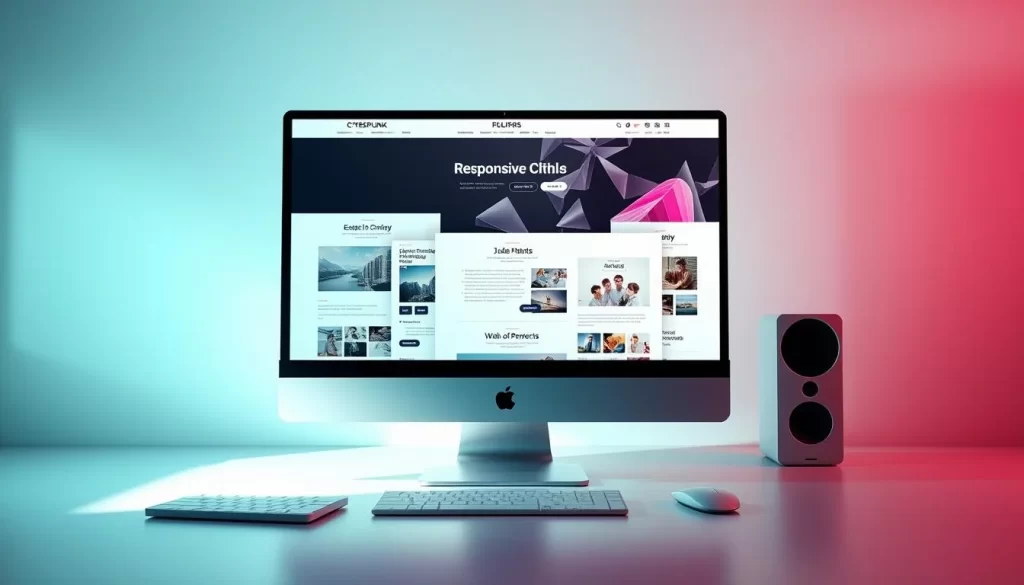
TemplateCodex’s curated selection highlights real-world examples. Their portfolio shows how businesses reduced deployment time by 40% using premade e-commerce or portfolio layouts. These designs balance customization options with performance, delivering websites that load faster and rank better organically.
Explore the advantages of using HTML templates firsthand at template.templatecodex.com. Ready-made solutions let you launch faster, stay competitive, and maintain top-tier performance without sacrificing creativity.
How to Choose the Perfect HTML Template
Building a website begins with selecting the right template. Follow these steps to align your vision with the ideal foundation.
Assessing Your Project Needs
First, clarify three essential factors:
- Project scope: Is it a blog, business site, or e-commerce store?
- User focus: Who’s your audience, and what features do they value?
- Technical skill: Beginners should prioritize best html templates for beginners with intuitive code structures.
Navigating Template Codex Options
Platforms like TemplateCodex make comparisons easier. Use this table to weigh your options:
| Factor | HTML Templates | Custom Design |
|---|---|---|
| Speed | Launch sites in days | Months of development |
| Cost | Affordable pricing tiers | Higher upfront costs |
| Flexibility | Pre-built layouts with tweaks | Full design control |

When deciding between html vs custom website design, templates save time while retaining customization. TemplateCodex’s filters let you sort by responsiveness, coding language, and user ratings. Preview live demos to test layouts before downloading.
Beginners benefit from templates with clear documentation and active support. Read reviews to spot common pitfalls. Always test responsiveness on mobile devices before finalizing.
Responsive HTML Templates for Mobile-First Design
Today, users access websites from various devices, including phones, tablets, and desktops. A responsive design ensures your site looks sharp on every screen. How to choose an html template with mobile-first principles starts by prioritizing layouts that adapt instantly. Flexible grids and fluid images let content resize without losing structure.
Key factors to check: Does the template load quickly on mobile networks? Does the menu stay usable on touchscreens? Test templates by shrinking your browser window—content should stack neatly without text overflow. Look for frameworks like Bootstrap, which automate many responsive features.
- Grid Systems: Opt for templates with 12-column grids to balance flexibility and alignment.
- Cross-Browser Support: Verify the template works on Chrome, Safari, and Firefox.
- Testing Tools: Use Google’s Mobile-Friendly Test to confirm performance.
At template.templatecodex.com, you’ll find pre-tested options designed for mobile-first workflows. Prioritizing responsiveness isn’t just a trend—it’s essential for SEO rankings and user retention. Start by sketching your core pages on mobile, then pick a template that mirrors that vision. Small screens deserve as much attention as desktop views, so always preview templates on actual devices before finalizing.
Customizable HTML Templates vs Custom Website Design
Deciding between customizable HTML templates and a custom website depends on your objectives and budget. Let’s explore the options to determine the most suitable choice.
- Customizable templates: Provide time-saving web design solutions with pre-built functionalities. They offer flexibility through CSS and code adjustments, all while keeping costs manageable.
- Custom designs: Offer 100% uniqueness but demand more time and financial investment. They’re perfect for complex projects requiring specialized features.
When to Opt for Customization
- Opt for templates if you require responsive html templates for websites that adjust to various devices and meet basic needs swiftly.
- Custom design is best when your brand needs unique visuals or advanced interactivity that standard templates can’t provide.
For small businesses or blogs, templates like those at TemplateCodex offer a good balance of affordability and efficiency. Larger corporations with unique technical needs might find bespoke solutions worthwhile. Ultimately, the choice should reflect your long-term goals without compromising essential functionality.
Time-Saving Web Design Solutions with Ready-Made Website Templates
Ready-made website templates transform web development by slashing hours from project timelines. They provide pre-built structures, handling foundational code, allowing teams to concentrate on unique features. This approach eliminates guesswork, reducing common coding errors that delay launches.
Key advantages streamline workflows: pre-designed layouts, cross-browser compatibility, and optimized performance. Many templates include frameworks like Bootstrap, speeding up responsiveness and functionality. This ensures consistency while adapting to project needs, whether it’s building blogs, e-commerce sites, or portfolios.
- Reduce setup time by 50% or more
- Access web development resources tested for speed and SEO
- Scale projects with modular components
Platforms like template.templatecodex.com offer curated selections, making it easy to find templates tailored to goals. Teams can focus on creativity over repetitive coding, freeing resources for innovation. Ready-made solutions maintain quality—just check documentation to align with brand goals and technical specs.
Exploring Template-Based Design Trends
Modern template-based design is a fusion of creativity and functionality. Developers now focus on tools like Bootstrap and Webflow. These tools simplify website building tools to create dynamic interfaces. Trends highlight adaptability, ensuring templates remain relevant across devices and user preferences.
Innovative Front-End Techniques
- CSS Grid and Flexbox systems simplify responsive layouts without custom coding.
- JavaScript frameworks like React enable interactive elements within pre-built templates.
- Preprocessors such as Sass reduce redundancy in template coding processes.
User Experience Enhancements
Platforms like TemplateCodex offer intuitive drag-and-drop editors, making adjustments easy. Features such as dark mode toggles and micro-interactions are now preconfigured in many template-based design solutions. Accessibility improvements, including screen-reader compatibility, are standard in premium website building tools.
For instance, TemplateCodex’s latest templates include AI-driven layout suggestions that adapt to content type. These advancements show that even ready-made templates can match custom designs in performance and appeal.
Integrating Bootstrap HTML Templates for Quick Development
Bootstrap HTML templates make website building quicker by avoiding the need to start from scratch. They come with a grid system and pre-built components, allowing developers to focus on creativity. This approach saves time and ensures that websites look great on all devices.
Customizable html templates, such as those found on template.templatecodex.com, offer a high degree of flexibility. Users can easily change colors, fonts, or sections to align with their brand. Thanks to Bootstrap’s open-source nature, updates are frequent, keeping designs current.
- Pre-tested code reducing bugs
- Easy integration with CSS/JavaScript
- Mobile-first frameworks built-in
For beginners, editing HTML files directly is a straightforward way to adapt templates. More advanced users can modify SASS variables for deeper customization. Testing across various browsers ensures that the site looks consistent everywhere. TemplateCodex offers a curated selection of templates for different needs, from portfolios to e-commerce sites.
Using Bootstrap templates with customization tools can significantly streamline development workflows. It’s important to choose templates with clear documentation for a smooth implementation process. Whether you’re launching a new site or updating an existing one, these resources can help you achieve professional results quickly.
Step-by-Step Guide for Beginners Using HTML Templates
Starting with HTML templates makes web creation easier. Follow these simple steps to build your first site with confidence. Discover front-end design templates that save time and effort.
Setting Up Your Environment
First, install tools like VS Code or Sublime Text. These editors streamline coding. For bootstrap html templates, download Bootstrap’s official library for responsive features. Create a new folder to keep files organized. Test your setup with a basic “Hello World” HTML page.
- Install code editor (e.g., VS Code)
- Download Bootstrap files
- Create a project folder
Launching Your First Template Project
Choose a template from trusted sources like template.templatecodex.com. Unzip the files and open them in your editor. Customize text, colors, and layouts by editing HTML and CSS. Preview changes in browsers like Chrome or Firefox. Fix any errors, then upload the finalized files to a hosting service to make your site live.
- Select a template (e.g., bootstrap html templates)
- Edit content and styles
- Test across browsers
- Deploy via hosting
Every adjustment enhances your skills. Start small and grow with practice. Explore more front-end design templates at template.templatecodex.com for inspiration.
Accessing Top-Quality HTML Website Design Inspiration
Looking for new ideas? Explore top-quality HTML templates at template.templatecodex.com to uncover the latest designs. This site showcases layouts that blend creativity with functionality. It helps you see how templates bring ideas to life.
Begin by exploring categories like e-commerce, portfolios, or blogs. Each template comes with:
- Responsive layouts for all devices
- Ready-to-use code snippets
- Customizable color schemes
Compare industry-specific options in this table:
| Industry | Template Features |
|---|---|
| E-commerce | Shopping carts, payment integrations |
| Portfolio | Gallery displays, contact forms |
| Blog | SEO-friendly posts, comment systems |
At template.templatecodex.com, every design comes with setup documentation. You can test layouts in real-time previews. This hands-on method turns inspiration into tangible steps. It’s perfect for developers and small business owners looking to create standout websites.
Conclusion
Choosing the right HTML template can revolutionize your website’s visitor engagement. These tools offer responsive design and industry-specific features, making development easier. They also enhance SEO and user experience. Whether you manage an e-commerce site, a blog, or a professional portfolio, there’s a template for every need.
Ready-made templates save time without losing customization options. Sites like template.templatecodex.com provide a selection that balances efficiency with flexibility. Their collection includes everything from clean minimal layouts to feature-rich frameworks, catering to your brand’s unique needs.
These templates come with mobile optimization and search engine best practices, allowing for a quicker launch. Begin by setting your project goals, then find templates that match those objectives. Each template serves as a foundation for creating a standout online presence.
Don’t let complexity hold you back. Visit template.templatecodex.com to explore templates for any niche. Combine these tools with the strategies mentioned to build a site that ranks well, loads quickly, and attracts repeat visitors. Your next project’s success begins with the right template choice.